




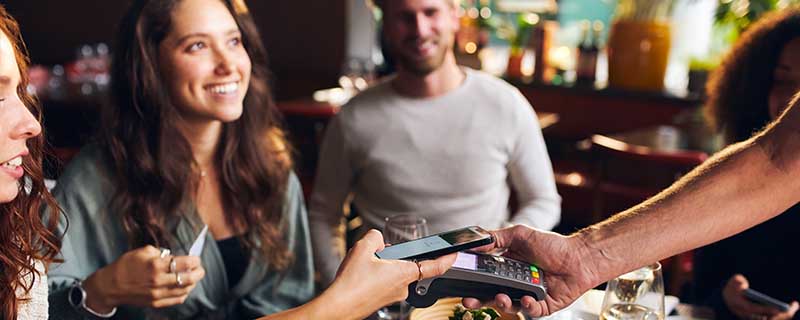
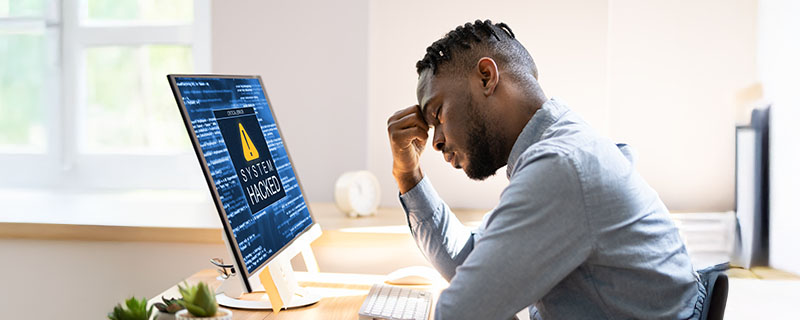
The mobile age has made banking easier and better than ever. You can now manage your money in multiple accounts, on the go, with the push of a button. If you've ever wondered how safe mobile banking is, the answer is that much of this depends on your own habits.
The mobile banking app from your bank helps promote security by hiding your full account number, timing out your session after inactivity, and using your existing online banking user ID and password, which only you know. Communication between your device and the bank uses a 128-bit Secure Socket Layer (SSL) Encryption.
Banks have done their part to help make your mobile banking transactions more secure, but the rest is up to you as the user. Be smart about how you use your mobile device, and follow the helpful hints listed below.
Don't bank while connected to public Wi-Fi
For starters, avoid using public Wi-Fi to do your banking. According to security giant Norton, risks that come with public Wi-Fi include: man-in-the-middle attacks, unencrypted networks, malware distribution, snooping and sniffing, and malicious hotspots. (1)
- A "main-the-middle attack" essentially means that when your device is connected, a cybercriminal can view transmissions between your device and the service you are accessing, such as your bank account.
- An unencrypted network has not been set up securely to help ensure that data is unable to be deciphered by bad actors. While many networks will be encrypted, there's always the chance that the one you're using is not.
- With the malware distribution threat, attackers can sneak malware onto your device that can be used to give them private information.
- "Snooping and sniffing" refers to cybercriminals using software and/or devices to eavesdrop on Wi-Fi signals.
- Finally, malicious hotspots are to Wi-Fi connections what phishing is for email. A malicious network is set up with a reputable-sounding name to trick people into signing onto the wrong network. If you're staying at a hotel, for example, the malicious hotspot network might use something with the hotel's name. Pay close attention to the real network name provided by the hotel and report any network that looks suspicious.
By not using public Wi-Fi, you can greatly reduce the risk of falling prey to any of these threats.
Lock your device
Establish a password or passcode to access your mobile device. A device password or passcode will lock your device after it has been idle for a set period of time, preventing access by others who are not authorized. Never leave your device unlocked. By doing so, anybody can access information on your phone. You never know when someone will take advantage of such an opportunity. Most smartphones come with a security lock feature. Make sure it's enabled and that only you know how to unlock it, whether it's with a password or a fingerprint.
Be smart with user names and passwords
Choose passwords that would not be easy for others to guess. This includes information that could be found on social or public sites, such as your name, a family member name, your phone number, birthday, or the name of your pet. The more randomized, the better. Use a combination of upper and lower-case letters and numbers.
It can be hard to remember completely random sets of letters and numbers, so keep a record somewhere safe for your own reference if you must, but try to memorize it. If you must use a word you can remember, make it something that nobody would ever be able to guess based on who you are as a person.
It's never a good idea to reuse passwords across any services, but it's an especially bad idea to reuse a password for your bank account. Never give out your User ID or password.
Always make sure you have the latest version of your banking app
Be sure to keep up to date on the latest version of your mobile banking app, because an older version may be missing critical security fixes. Cybercriminals can exploit these security gaps, putting your information in jeopardy.
If your device is ever lost or stolen
If your mobile device is ever lost or stolen, be sure to contact your mobile service provider right away, as well as the bank, so you can reset your login information over the phone. You can change your user ID or password online as well, if you like. It's worth noting that the mobile banking app does not store your password.
There's no question that there are criminals who would love to get a hold of your information and bank account, but as long as you follow common sense precautions, there's no reason that mobile banking can't make your life a great deal easier.
1. https://us.norton.com/internetsecurity-privacy-risks-of-public-wi-fi.html